Payroll is ready to close when a manager sends a corrected attendance sheet. An employee's approved leave is missing, overtime has changed, and a salary advance is still sitting in another file. Accounts recalculates the salary and issues a replacement payslip. Repeated corrections are a sign that payroll inputs need a dependable cutoff and approval process.
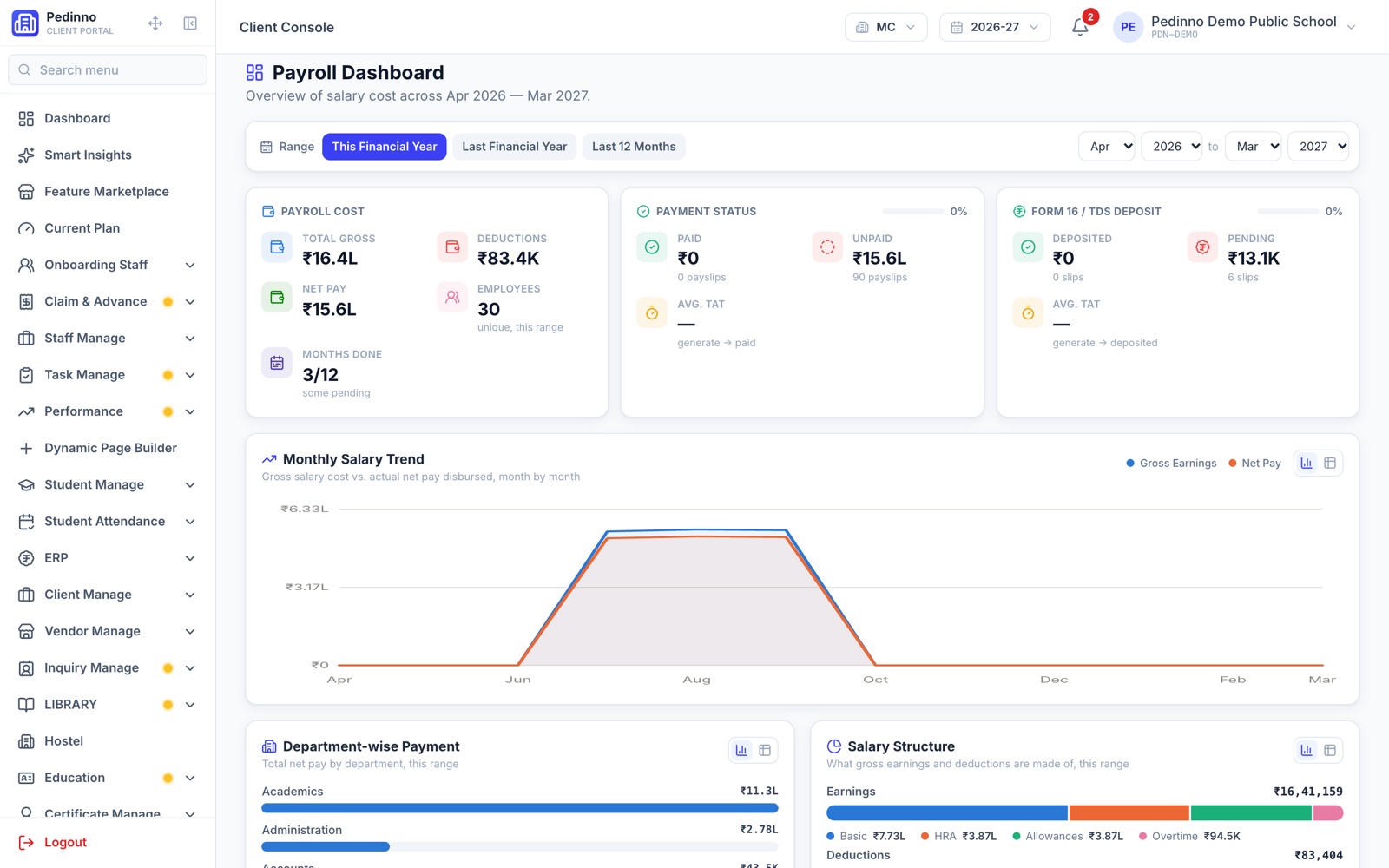
Trace each salary correction back to its source
Review the last few pay cycles and classify corrections: attendance, leave, overtime, salary structure, advances, reimbursements or employee details. This identifies the upstream records that need attention. If most errors originate in attendance, replacing only the payslip template will have little effect. The payroll team needs a consistent source for the approved payable days and adjustments.
Document how an exception is resolved before the month closes. A missed punch and an unauthorised absence should not be treated as the same event without review. Decide who can approve corrections and how accounts learns that the attendance record is final.
Agree on a payroll cutoff and review window
Publish a practical calendar for managers and employees. Include the last date for attendance corrections, leave approval, overtime approval and claims submission. Leave time to review the draft calculation before locking the run. Late adjustments need a clear process too: agree whether they belong in the current cycle or a later adjustment, and record the decision so the employee can understand the result.
- Verify new joiners, exits and salary revisions before generation.
- Finalise attendance and approved leave for the selected period.
- Review overtime, advances and approved claims.
- Compare unusual gross-to-net changes with the previous month.
- Publish payslips only after the authorised reviewer approves the run.
How Pedinno connects attendance to payroll
Pedinno Payroll uses attendance, leave and overtime as payroll inputs alongside configured salary structures. Attendance can come through HRMS from face identification in the Staff app, GPS and geofencing, manual records or compatible iClock / ADMS biometric devices. Confirm the exact biometric model and branch setup during implementation. A connected attendance record reduces the need to re-enter field-team and office attendance in separate salary spreadsheets.
What one-click payroll still needs from your team
One-click generation means calculating a configured payroll run, not skipping setup or review. Set the salary structures, pay cycle, payroll day and deduction rules first. After attendance and leave are finalised and the configured payroll day has passed, select the branch and month and generate the run. Review the results before locking payroll and publishing the payslips. Changes to employee records or rules should be checked before the next cycle.
Keep adjustments and accounting connected
Pedinno includes advances and loans, claims and reimbursements, payroll reports, professional and wage payslips, and accounting posting for salary and claim entries. It also supports configurable statutory deduction components such as PF, ESI, Professional Tax, TDS and LWF. Your payroll owner must verify the applicable configuration; the presence of a deduction component does not establish that a particular employee or organisation has been configured correctly.
Run a parallel payroll before switching over
For a pilot branch, compare a Pedinno draft with your reviewed current calculation. Include a new joiner, unpaid leave, overtime, an advance recovery and a wage employee if those cases apply. Investigate every difference rather than checking only the total payroll cost. Track correction counts, preparation time and employee queries. The aim is a reproducible monthly process with clear approval, not simply a faster calculation button.
Frequently asked questions
Can Pedinno use our existing biometric attendance machine?
Compatible devices using iClock / ADMS auto-push are supported. Confirm your model and protocol before setup; support should not be assumed for every biometric device.
Does one-click payroll remove the review step?
No. Generate the payroll from configured rules and approved inputs, then review the results before locking the run and publishing payslips.
Can employees access their payslips on mobile?
Payslips are available in the Pedinno Staff app, alongside claims and advance requests.
See Payroll in action
Attendance-linked payroll software with PF, ESI, PT, TDS and LWF, payslips, Form 16, claims, advances, loans and automatic accounting entries.
Use anonymised attendance and salary data to test a normal month and an exception-heavy month before choosing your payroll setup.
Explore Payroll Management Software